 Bookmarks
When the Bookmarks tab is selected, the following options are available:
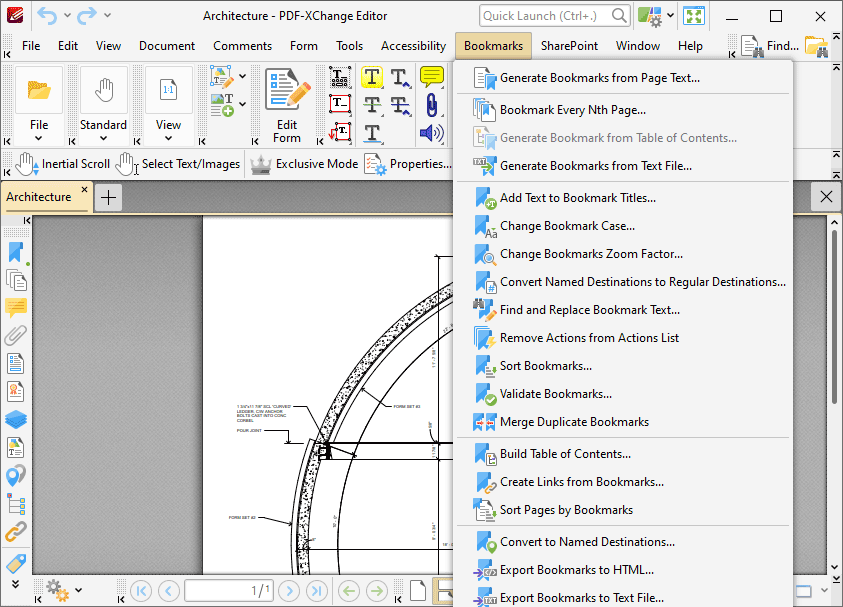
Figure 1. Bookmarks Tab Submenu
The options in this submenu relate to bookmarks and bookmark functionality:
•Generate Bookmarks from Page Text
•Generate Bookmarks from Table of Contents
•Generate Bookmarks from Text File
•Convert Named Destinations to Regular Destinations
•Find and Replace Bookmark Text
•Remove Actions from Actions List
•Convert to Named Destinations
•Export Bookmarks to Text File
Note that several of the keyboard shortcuts relate to bookmarks. See here for a comprehensive list of available keyboard shortcuts.