 Sorting Pages by Bookmarks
Click the Bookmarks tab, then click Sort Pages by Bookmarks to sort document pages by bookmarks:
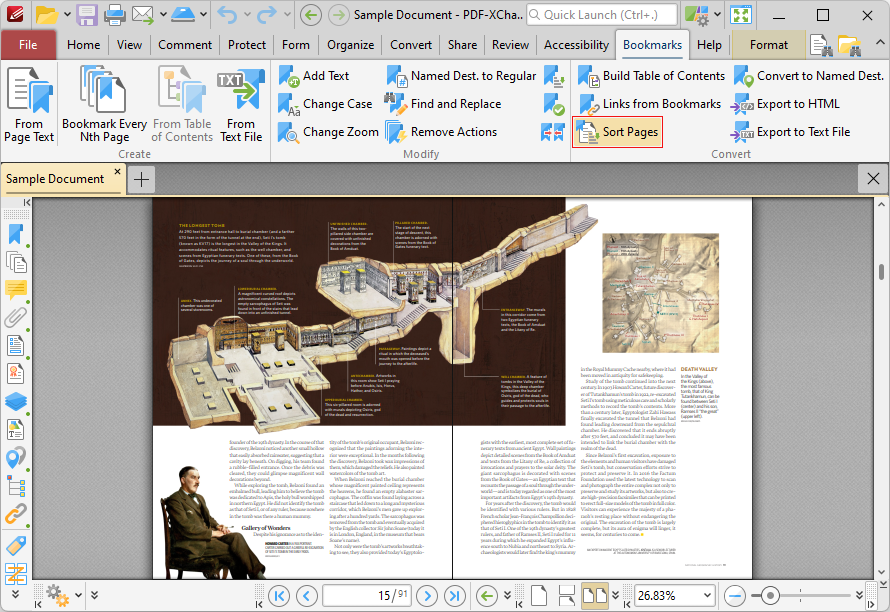
Figure 1. Bookmarks Tab, Sort Pages by Bookmarks Highlighted
PDF-XChange Editor will then reorder document pages to match the order of bookmarks.