 Importing Comments from File
Click Import to import comments from file into the active document:
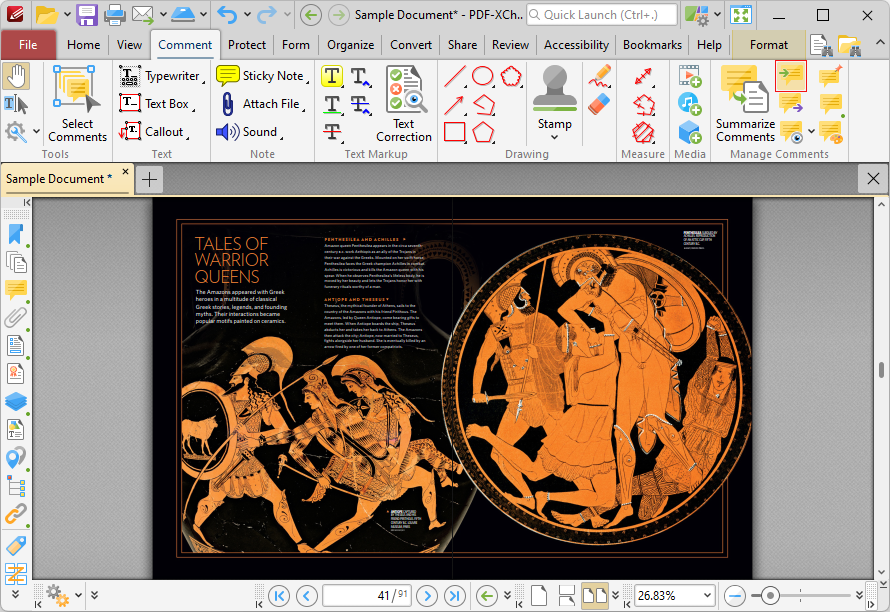
Figure 1. Comment Tab, Import
The Open Files dialog box will open. Select the desired file and click Open to import comments.
Comments can be imported from (*.fdf) or (*.xfdf) files. FDF format is the file format used to submit, receive and incorporate form data to a server. It can also be used to export form data to stand-alone files that can be stored, electronically transmitted and imported back into the corresponding PDF interactive form. Use the Export Comments feature to export document comments to (*.fdf) or (*.xfdf) files.
Please note that the document location of imported comments matches that of the file used for the import. If comments appear to be placed incorrectly then it is probable that the source and recipient files have different formats. For example, if comments from a ten-page document are imported into a two-page document, then comments from only the first two pages will be imported.