 Comments and Commenting
Comments and commenting are an integral part of working with PDF documents. Comments are a component of PDF documents but they are separate from the underlying document content, which means they can be manipulated and edited in a more straightforward manner than document content. Most comments types also feature a pop-up note that you can use to add relevant information to the comment, such as your reason for adding it to the document or editing an existing comment. You can use the commenting tools to add annotations and drawing markups to documents in order to highlight important areas, measure distances/areas, annotate text and utilize many other features, as detailed below.
The Commenting features are available in the Comment tab:
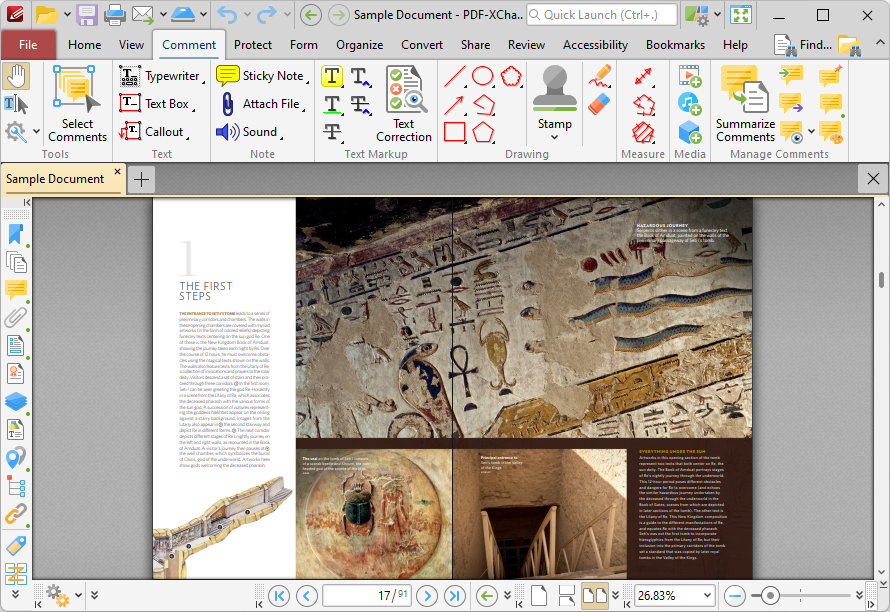
Figure 1. Comment Tab
The Select Comments Tool
The Select Comments Tool is used to select comments for editing. Click Select Comments to enable the tool, then click to select comments, or click and drag to select multiple comments:
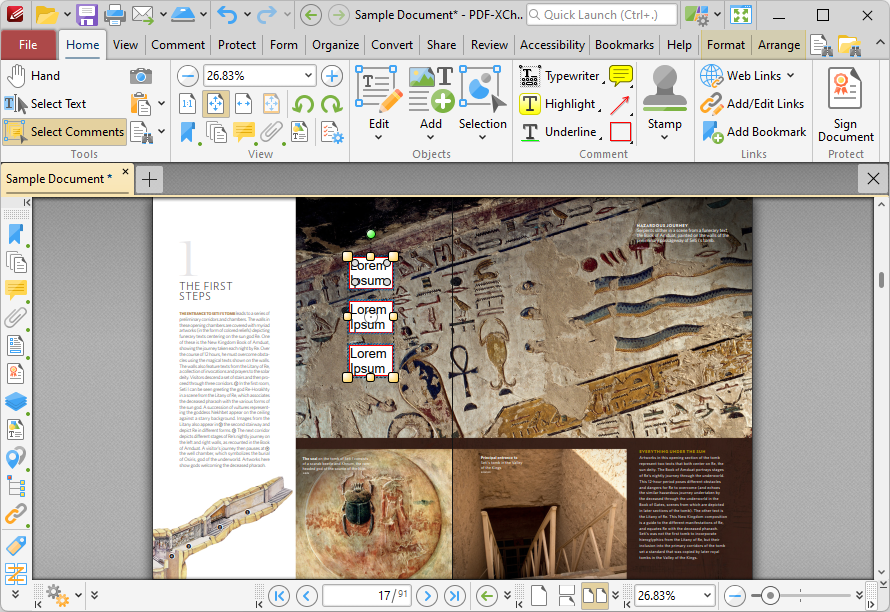
Figure 2. Select Comments, Group Select
•Click and drag control points to resize comments.
•Click and drag comments to reposition them. The circle at the center can also be used for this purpose.
•Click and drag the green control point at the top to rotate comments. Hold down Shift to rotate at increments of fifteen degrees.
•Use the arrow keys to reposition comments.
•Use the editing aids detailed here to assist in the precise placement of comments.
•Press Ctrl+' to open the Properties pane and view/edit the properties of selected comments. Note that the subject and author properties can be updated for multiple selected comments simultaneously.
•Right-click comments to enable further options. See here for an explanation of these options.
•The Commenting preferences can be used to view/edit preferences for comments.
•When customized Comment Styles have been created it is possible to switch between styles when comments are selected.
The Commenting Tools
The Commenting Tools are available in the main section of the Comment tab:
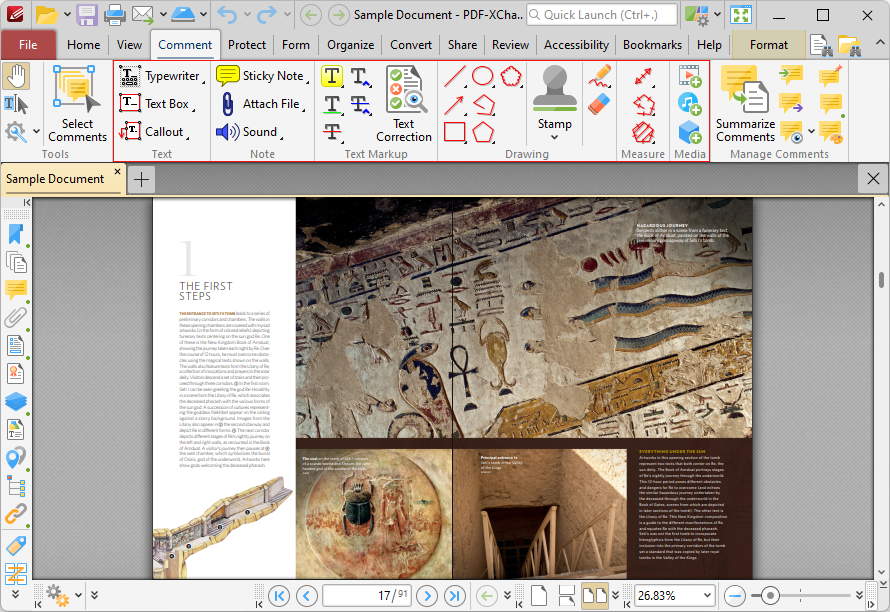
Figure 3. Comment Tab, Commenting Tools Highlighted
These tools are detailed here.