<< Click to Display Table of Contents >>
Navigation: PDF-XChange Editor V11 User Manual > Editing PDFs > Adding Actions and JavaScripts to PDFs >
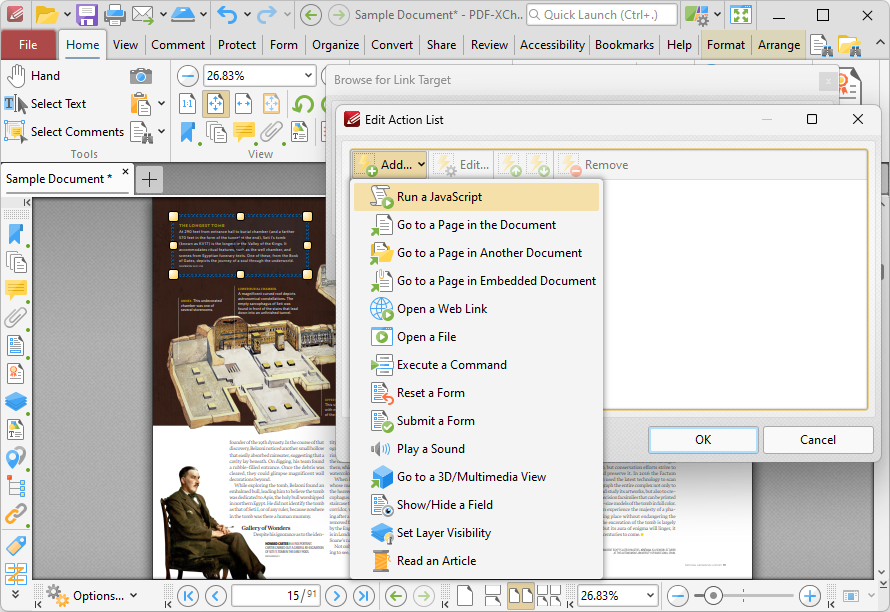
This action executes JavaScript when links are clicked:
Figure 1. Edit Action List Dialog Box, Run a JavaScript
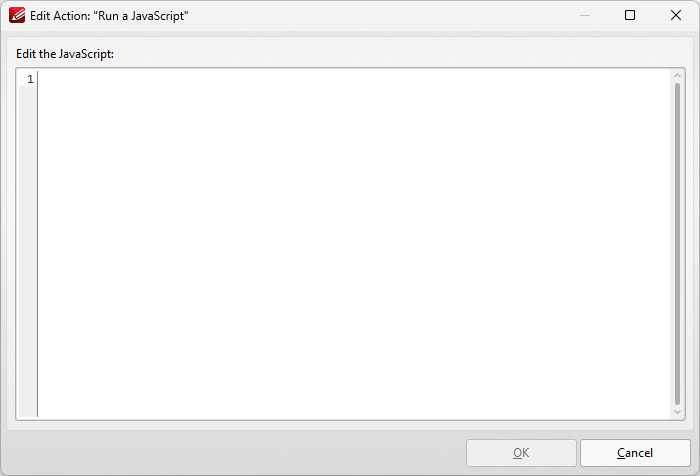
When it is selected the following dialog box will open:
Figure 2. Add Action: "Run a JavaScript" Dialog Box
Enter the desired JavaScript and click OK to save.