 Execute a Command
This action executes a command when links are clicked:
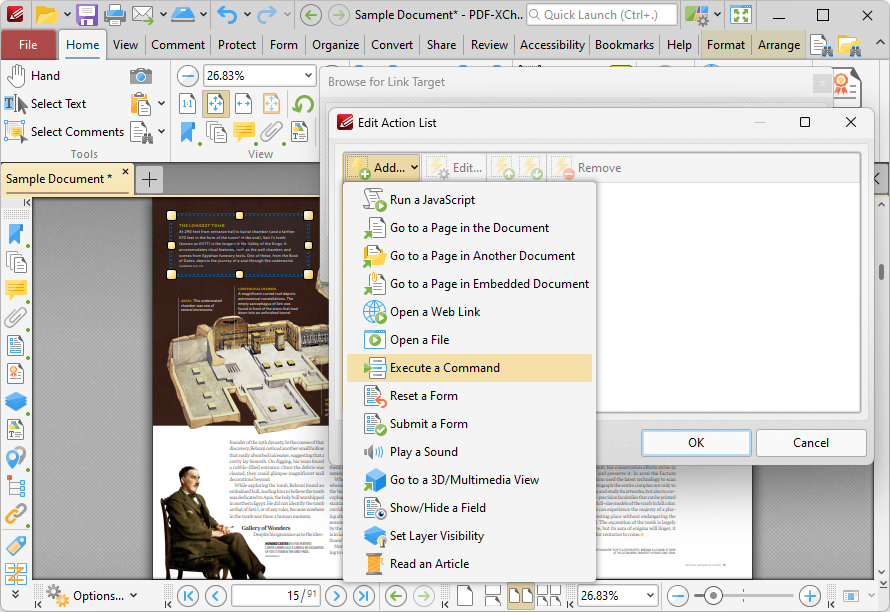
Figure 1. Edit Action List Dialog Box, Execute a Command
When it is selected the following dialog box will open:
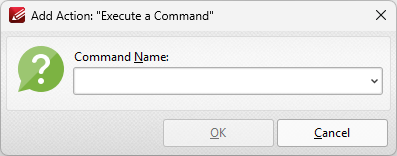
Figure 2. Add Action: "Execute a Command" Dialog Box
Click the dropdown arrow to view the list of available commands. Select commands and then click OK to add them to the link. Note that multiple commands can be added as desired.