 OCR Selected Region
Click OCR Selected Region to perform OCR on selected document regions:
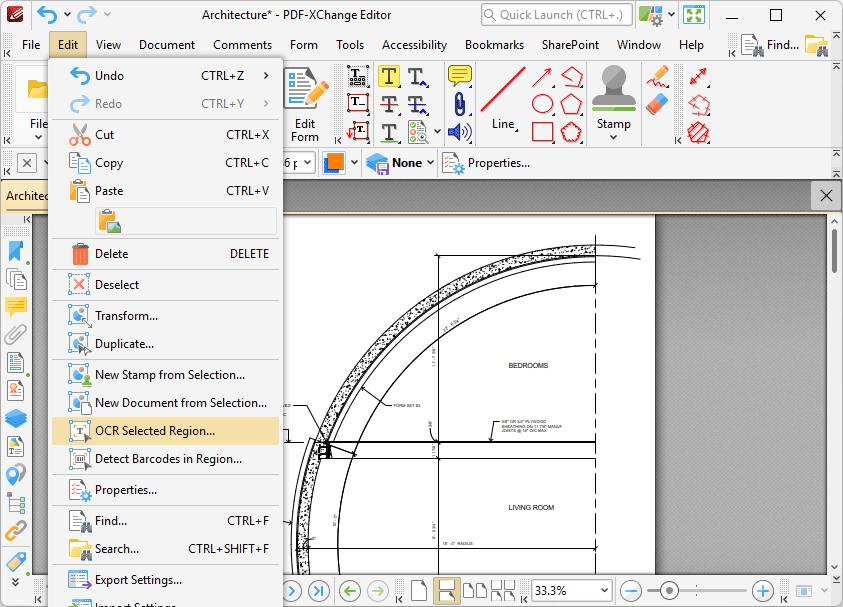
Figure 1. Edit Tab Submenu, OCR Selected Region
Note that this option is only available after the Snapshot Tool has been used to define a page area. When it is selected, the OCR Options dialog box will open. Determine parameters as detailed here and then click OK to perform OCR on only selected regions of documents.