 Swapping Pages
Click the Organize tan, then click Swap Pages to swap the location of two document pages:
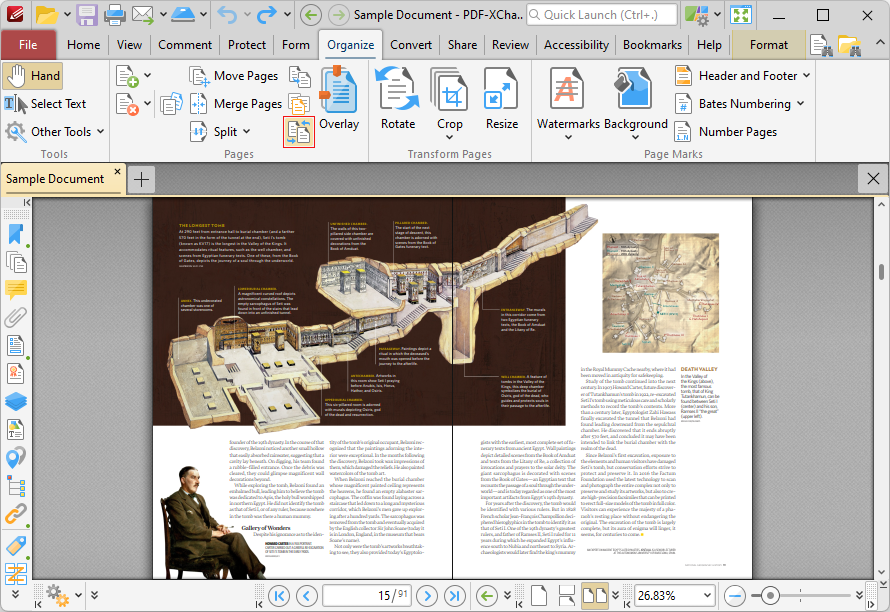
Figure 1. Organize Tab, Swap Pages
The Swap Pages dialog box will open:
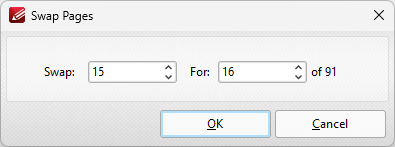
Figure 2. Swap Pages Dialog Box
Enter the page numbers of the pages to be swapped and then click OK to swap pages.