 Preferences
Click Preferences (or press Ctrl+K) to view/edit the PDF-XChange Editor preferences:
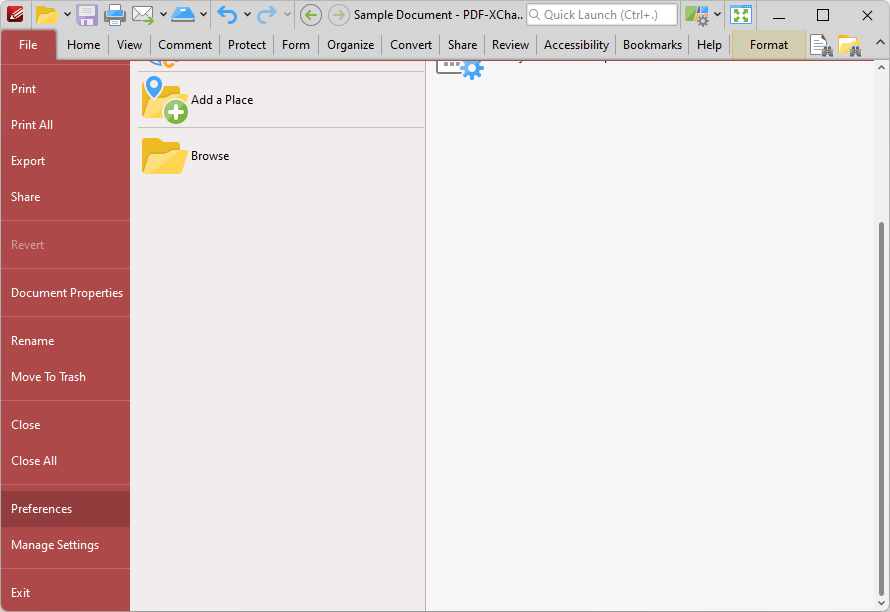
Figure 1. File Tab Submenu, Preferences
The Preferences dialog box will open:
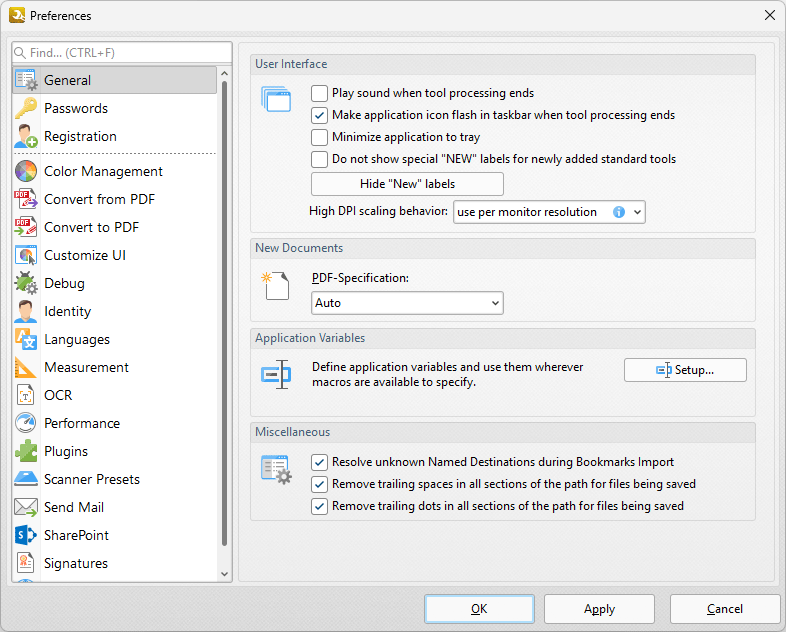
Figure 2. Preferences Dialog Box
You can use the Find bar to search the PDF-XChange Editor preferences for settings. Use the options in the Categories pane to determine the settings of the associated section of the software. Click the links below for further information:
•OCR