 Exporting Bookmarks to HTML Format
Click the Bookmarks tab, then click Export Bookmarks to HTML to export document bookmarks to an HTML file:
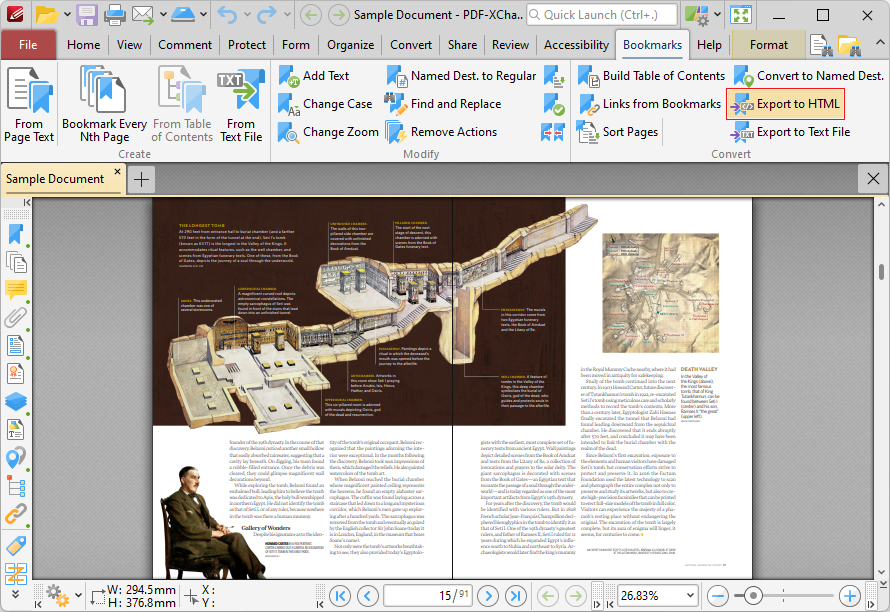
Figure 1. Bookmarks Tab, Export to HTML Highlighted
The Save File dialog box will open. Enter the desired name for the file in the file Name text box and click Save to export the file.