 Emailing Documents
Click the File tab, then click Share and click Send by Email to email documents:
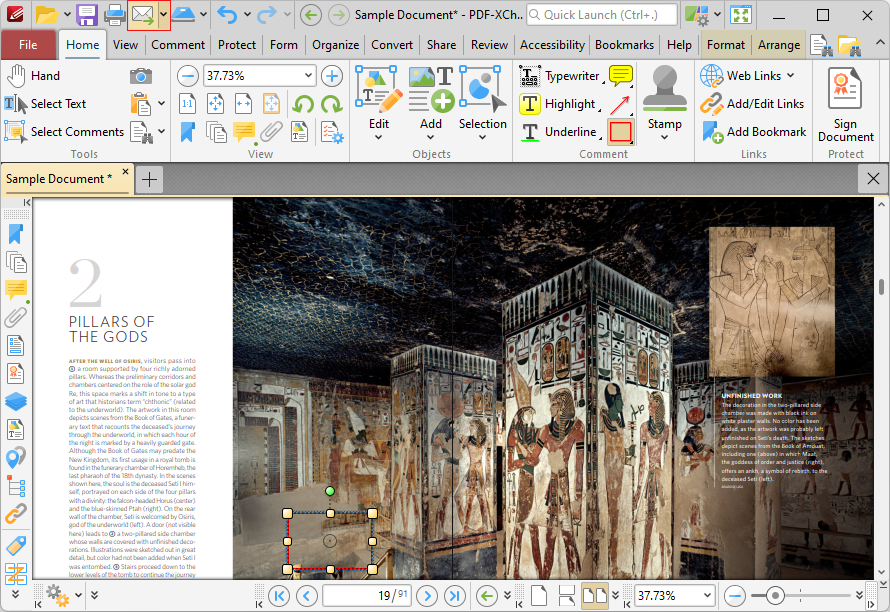
Figure 1. Send by Email Location
Click Send by Email to email the document. The mail client set in the Email Preferences will open and the document will be added to an outgoing email as an attachment.