 Accessibility Report
Click Accessibility Report to open the Accessibility Report pane:
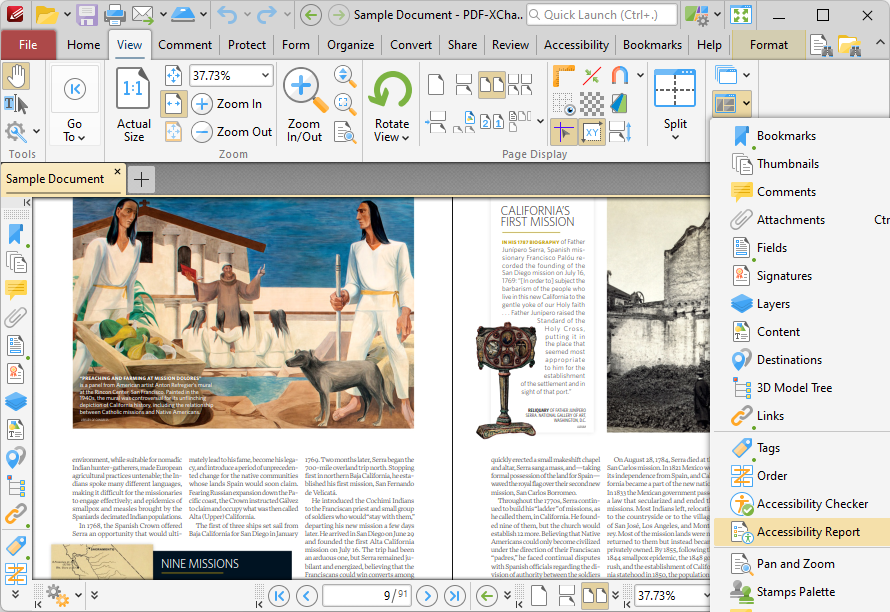
Figure 1. View Tab, Panes Dropdown Menu, Accessibility Report
The Accessibility Report pane displays a report after an accessibility check has been performed:
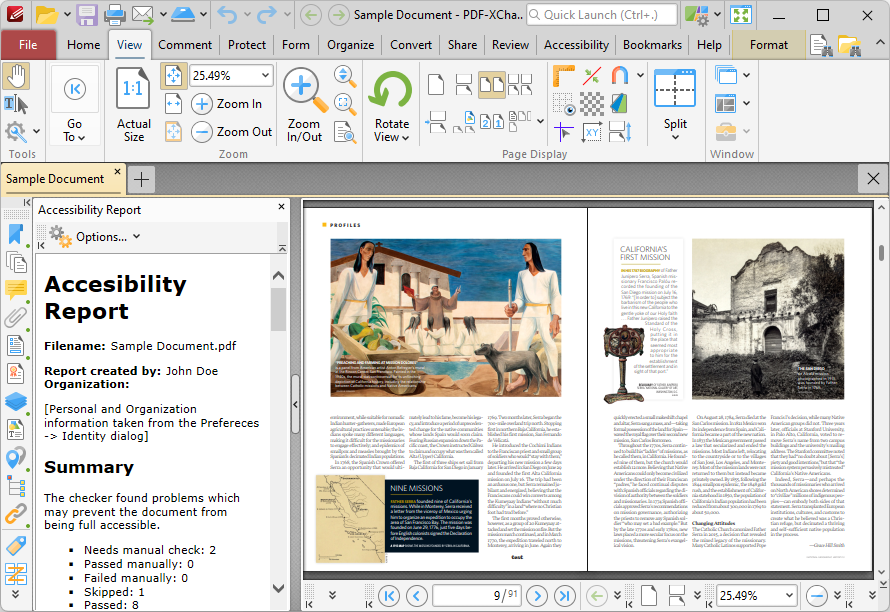
Figure 2. Accessibility Report Pane
This report details a summary of the results of the accessibility check. It also lists the current status of the document in relation to each rule in the accessibility check. Click rules to view further information. A complete breakdown of these rules is available here. You can use the Accessibility Checker pane to view further information about the results of each rule and fix any issues that are preventing the document from passing the accessibility check.