 Filling in PDF Forms
If you want to fill in a PDF form, open it in PDF-XChange Editor and click the Form tab:
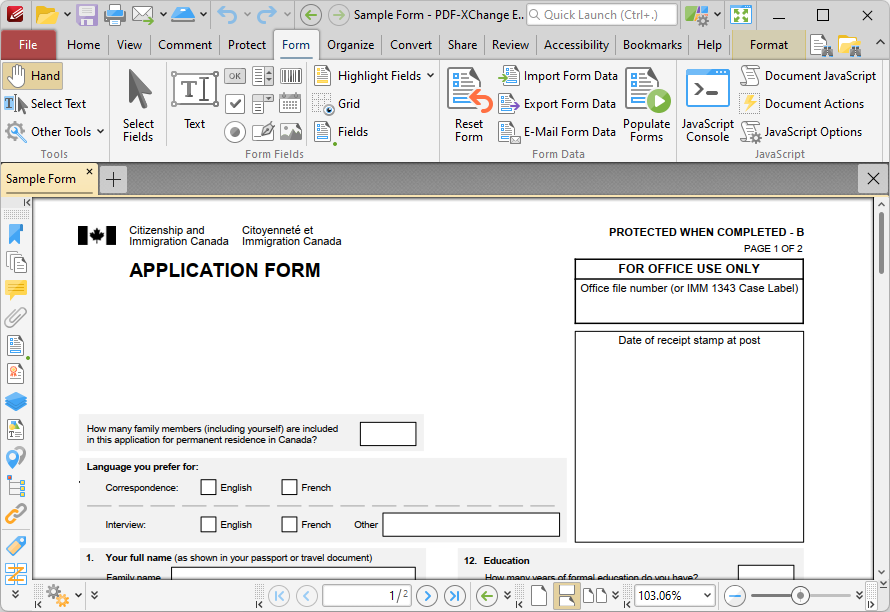
Figure 1. PDF-XChange Editor, Form Tab
You can click Highlight Form Fields in order to highlight fields in the form:
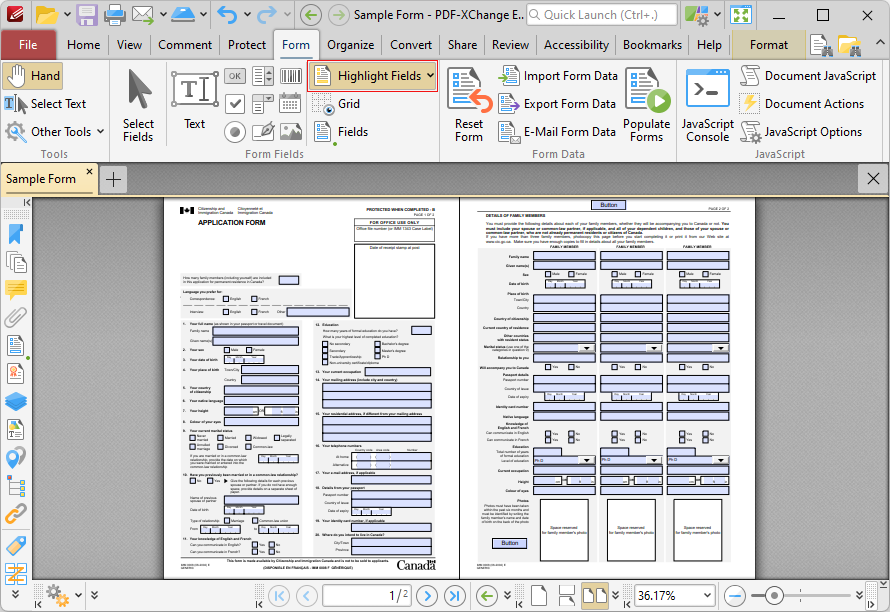
Figure 2. Form Tab, Highlight Fields Highlighted
Click the Hand tool, then hover over the desired field and click to enter text.